After you’ve created a project in the /lite/ site, most likely you’ll want to publish it. In order to do that you need to press the Publish link:
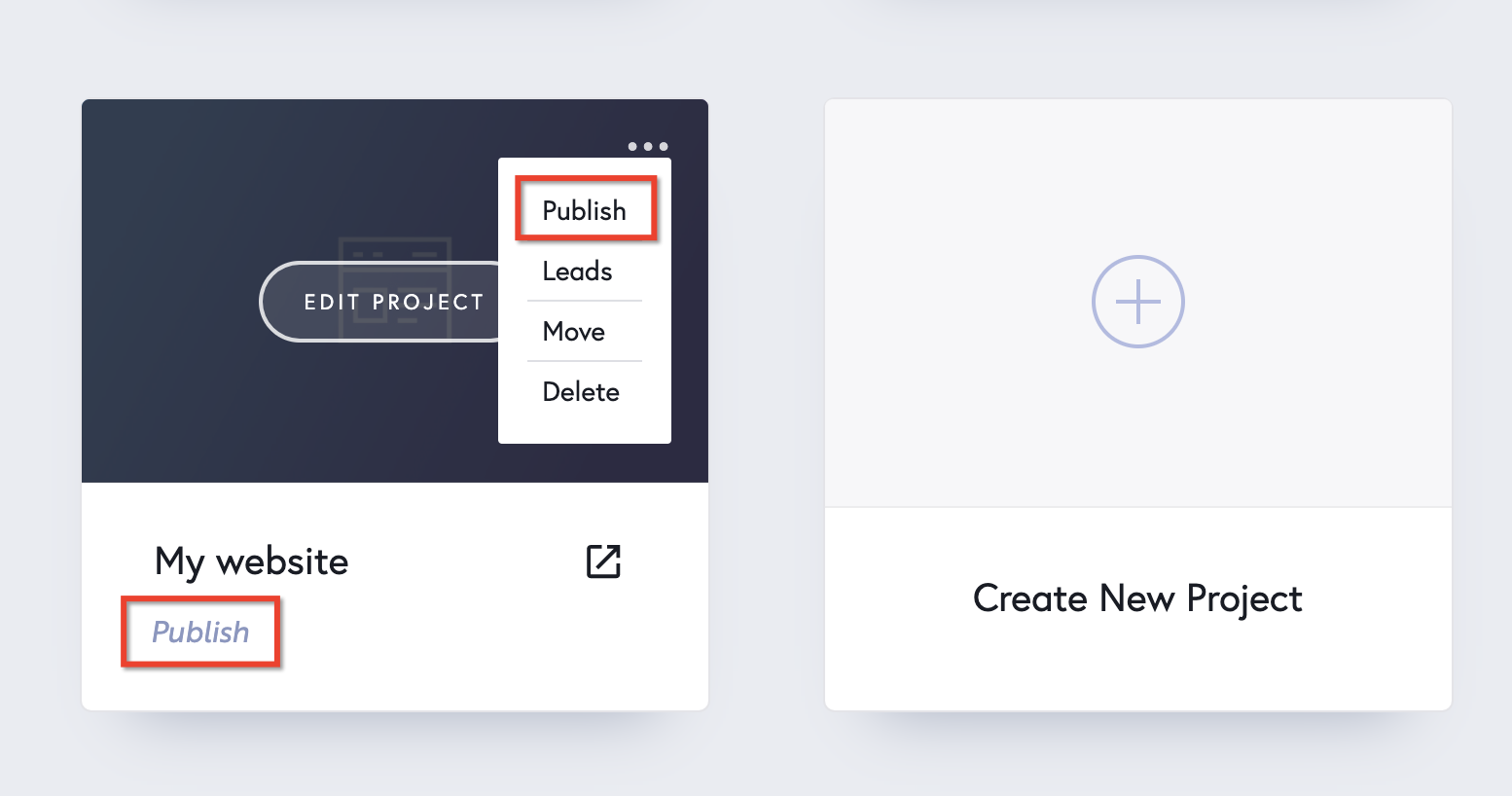
We have 4 publishing options in the /lite/ site: two hosted securely on our servers, two hosted by you and the last one is Export HTML.
Securely hosted by us #
Custom Domain (extralite PRO only) #

The Custom Domain. You can link your custom domain via CNAME Redirect (used for sub domains) or using an A Record Redirect (used for main domains).
- the /lite/ site Free account: you can’t link any custom domains
- extra/lite/ PRO plan: you can link 1 custom domain
thelite.site subdomain #
Publishing on a the /lite/ site Subdomain is free and will let you host unlimited websites on a thelite.site subdomain of your choice.
Important: Both Custom Domain and the /lite/ site Subdomain publishing options come with free SSL included. Takes up to 24 hours to be installed. More about the Free SSL here.
Self hosted by you #
Server Sync #

The Server Sync publishing option is a PRO feature and will let you sync your /lite/ site project on your server in real time. You’ll edit the project in the /lite/ site, but the files will be automatically updated on your server.
Export HTML #

The Export HTML publishing option lets you download a .zip file containing the HTML files of your project.


Leave a Reply