The Leads functionality is tightly linked with the Contact form. All the contact forms that users are submitting are saved in the Leads section of that project no matter if you set up marketing integrations like Mailchimp, Drip, etc.
Leads can be accessed from here:

They look like this:
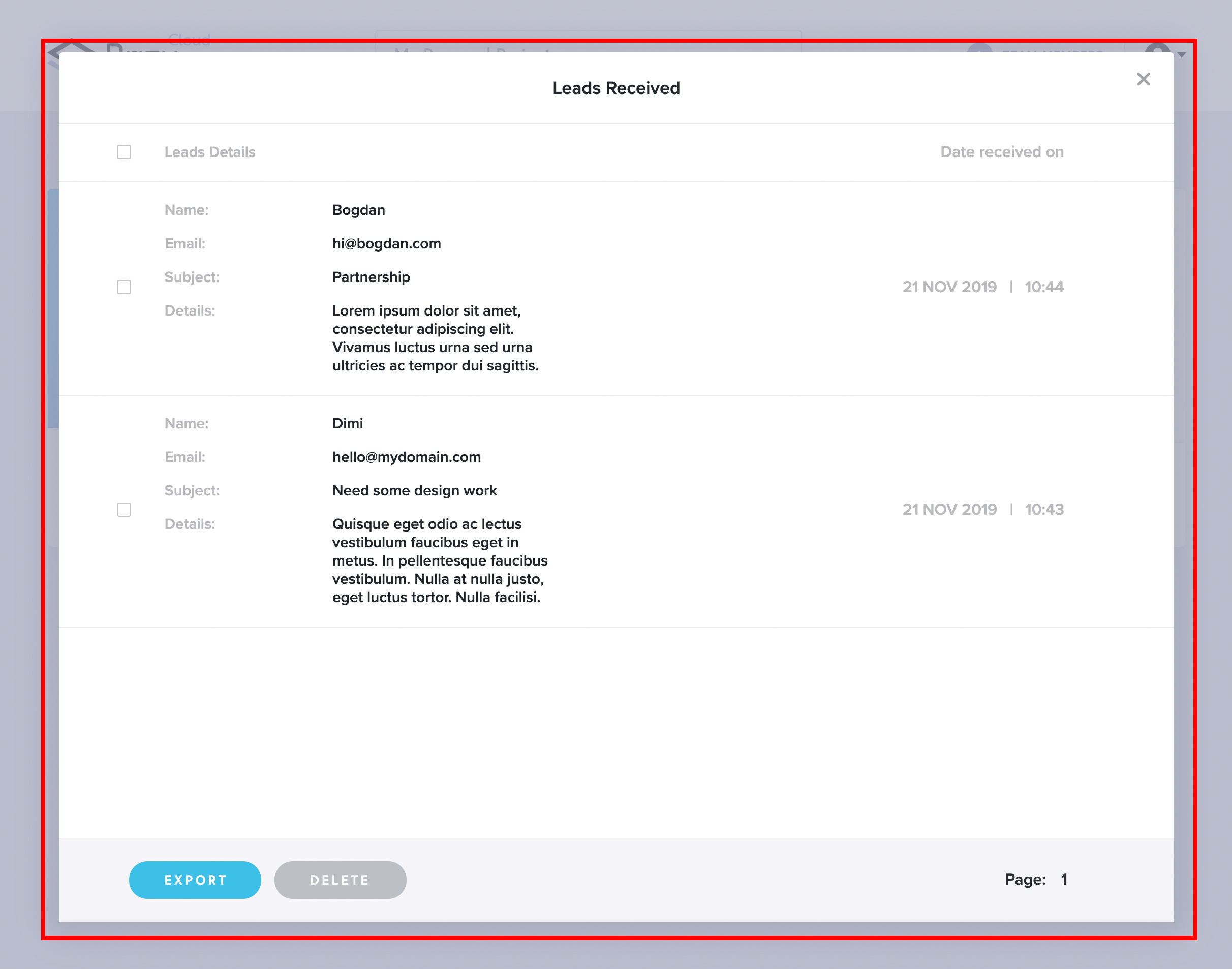
This is where the leads are saved when you put a contact form on your /lite/ site page(s) and a visitor of your website submits the form.
If you have extra/lite/ PRO plan that gives you integrations, and you have let’s say Mailerlite setup, then the lead will go to Mailerlite but also is saved in your Dashboard for future reference.
Here is a list with all the integrations that you can setup in the /lite/ site .
You can Export or Delete leads from the two buttons on the bottom.
Important: you can collect leads with the /lite/ site Free plan because you get the free contact form included. Only the marketing app integrations are limited to the contact form in extra/lite/ PRO plan.


Leave a Reply