If you are creating a landing page and want custom links in the Menu that point to different blocks in the page, here is how to add them:
Step 1. Go to Settings > Menu and select the menu you want to add the custom links into
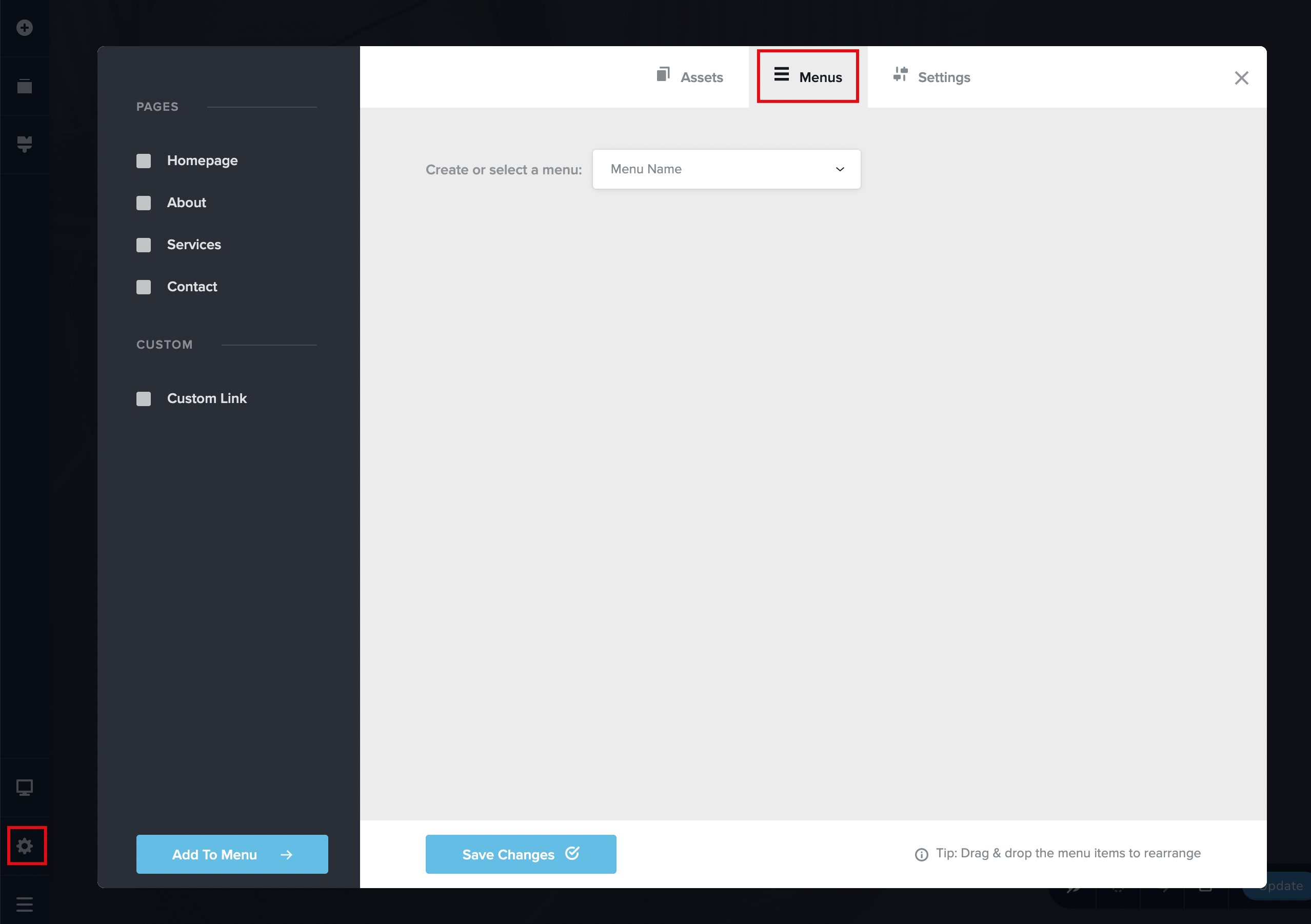
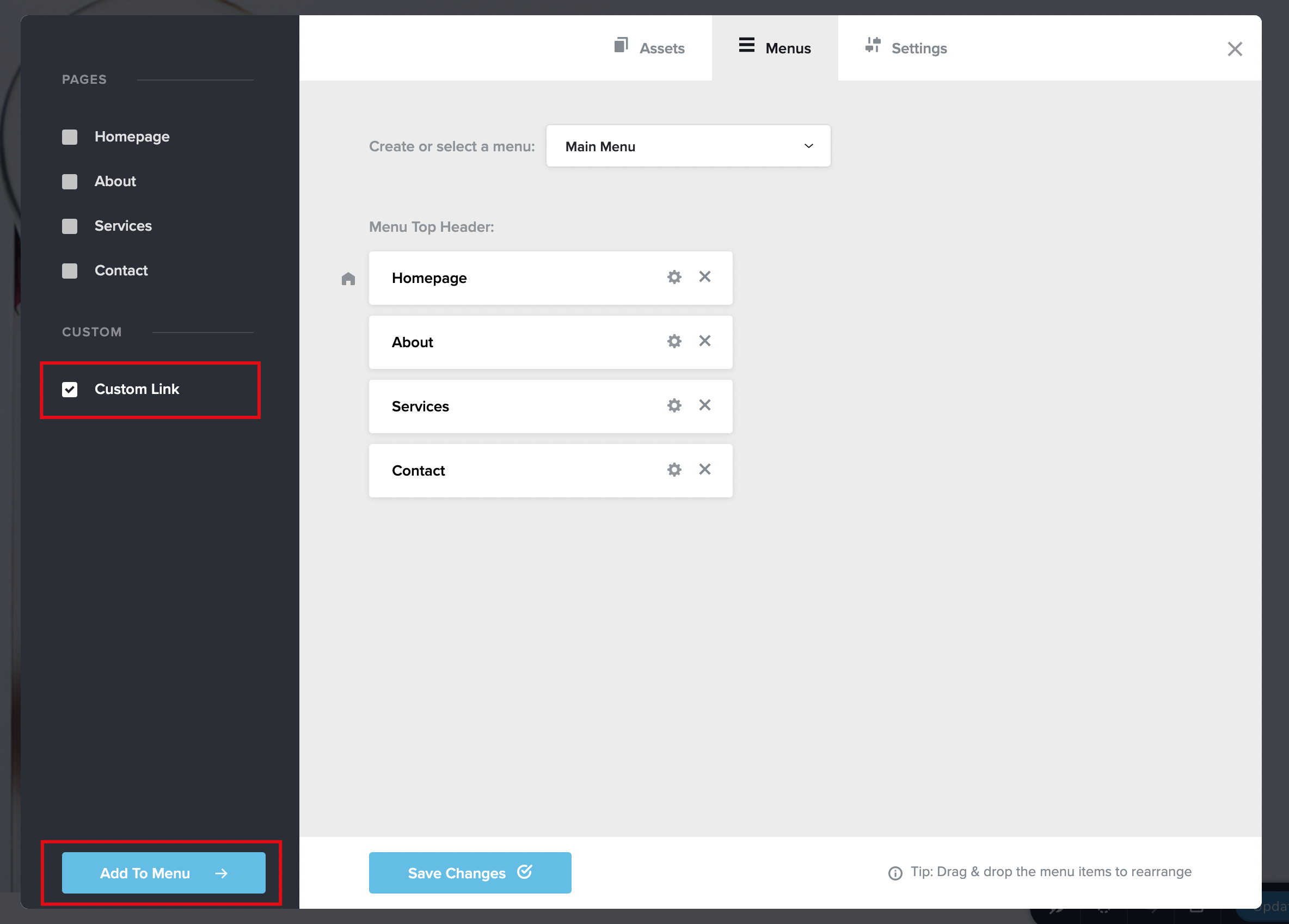
Step 2. Add Custom links from the sidebar.
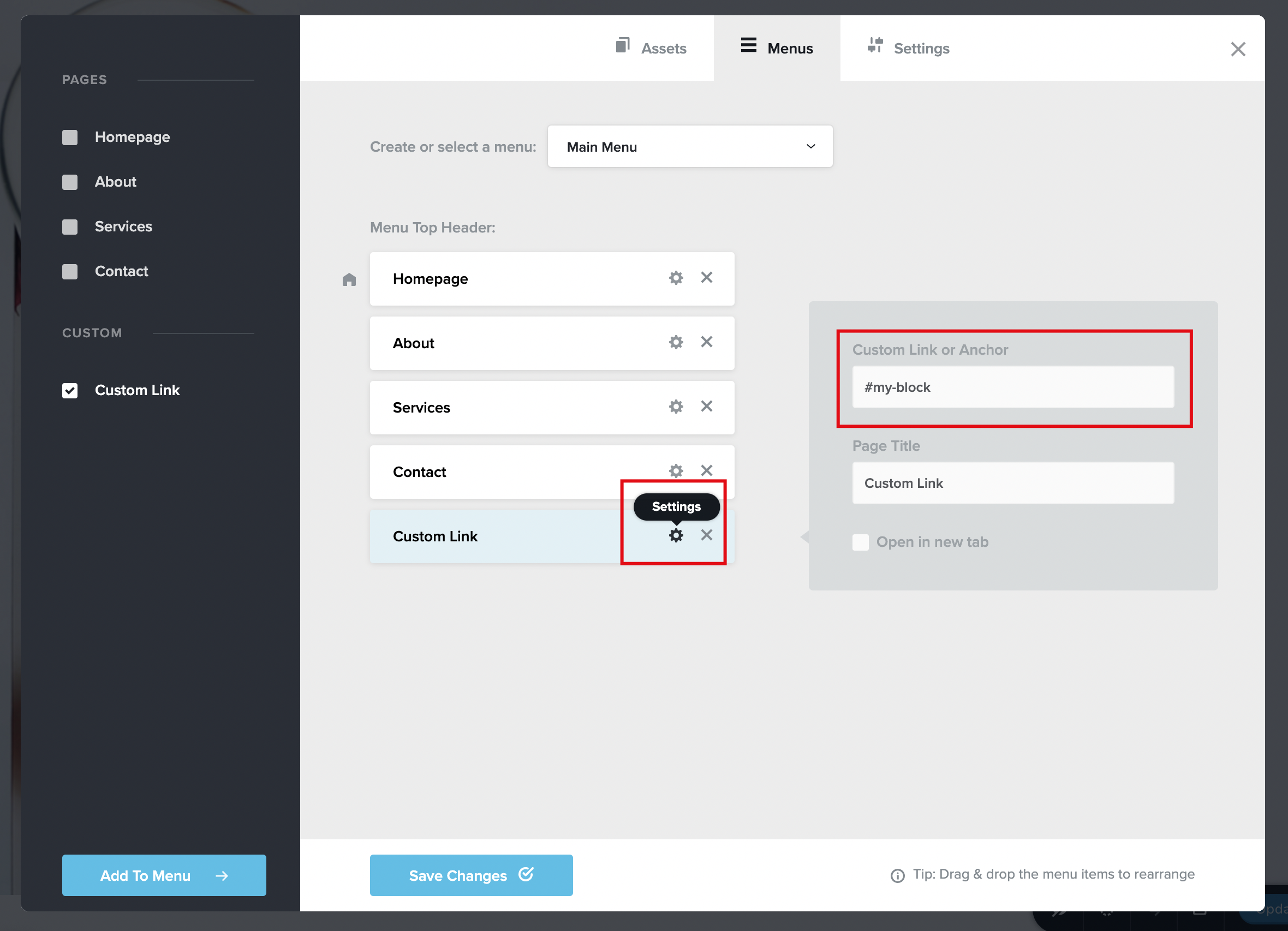
Step 3. Click on the Settings icon and add in the anchor field the name of the block with #block-name, make sure to include the #.
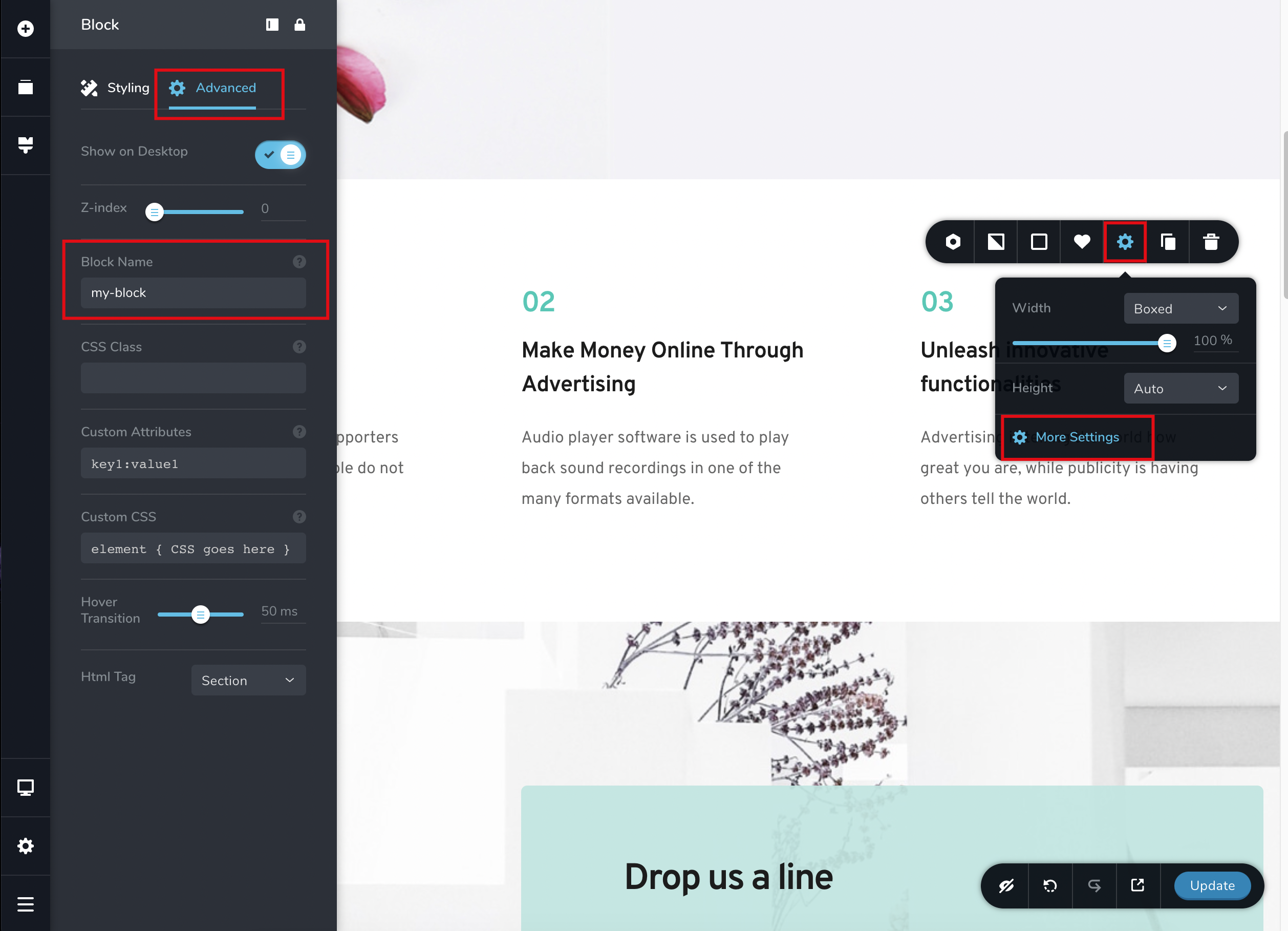
The block name is the name you give to your block from the block advanced settings.


Leave a Reply