Once you create the pages and add them in a menu, you’ll want to add that menu on your pages on your website. Here is how to do it:
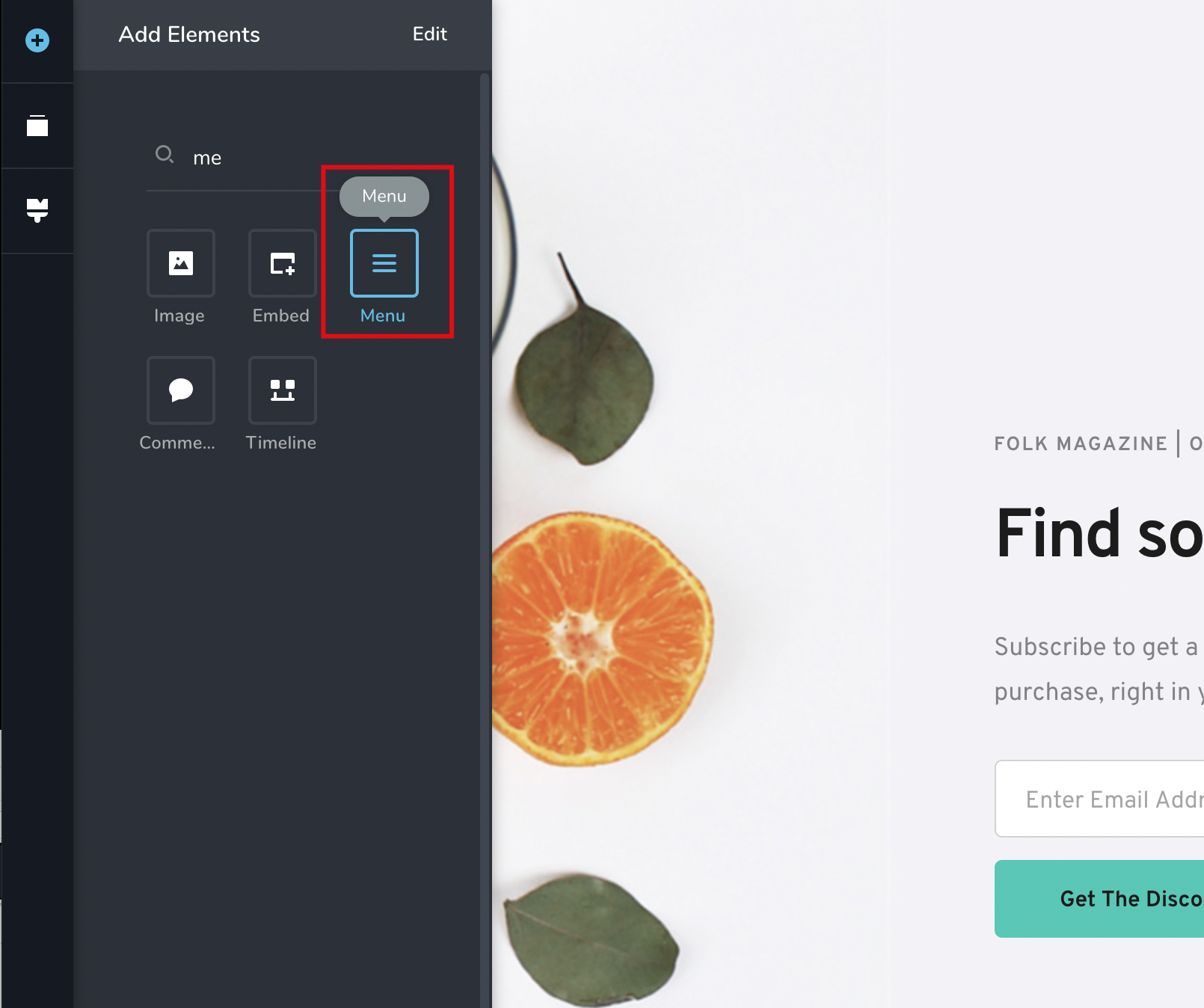
Step 1. Locate the Menu element in the builder
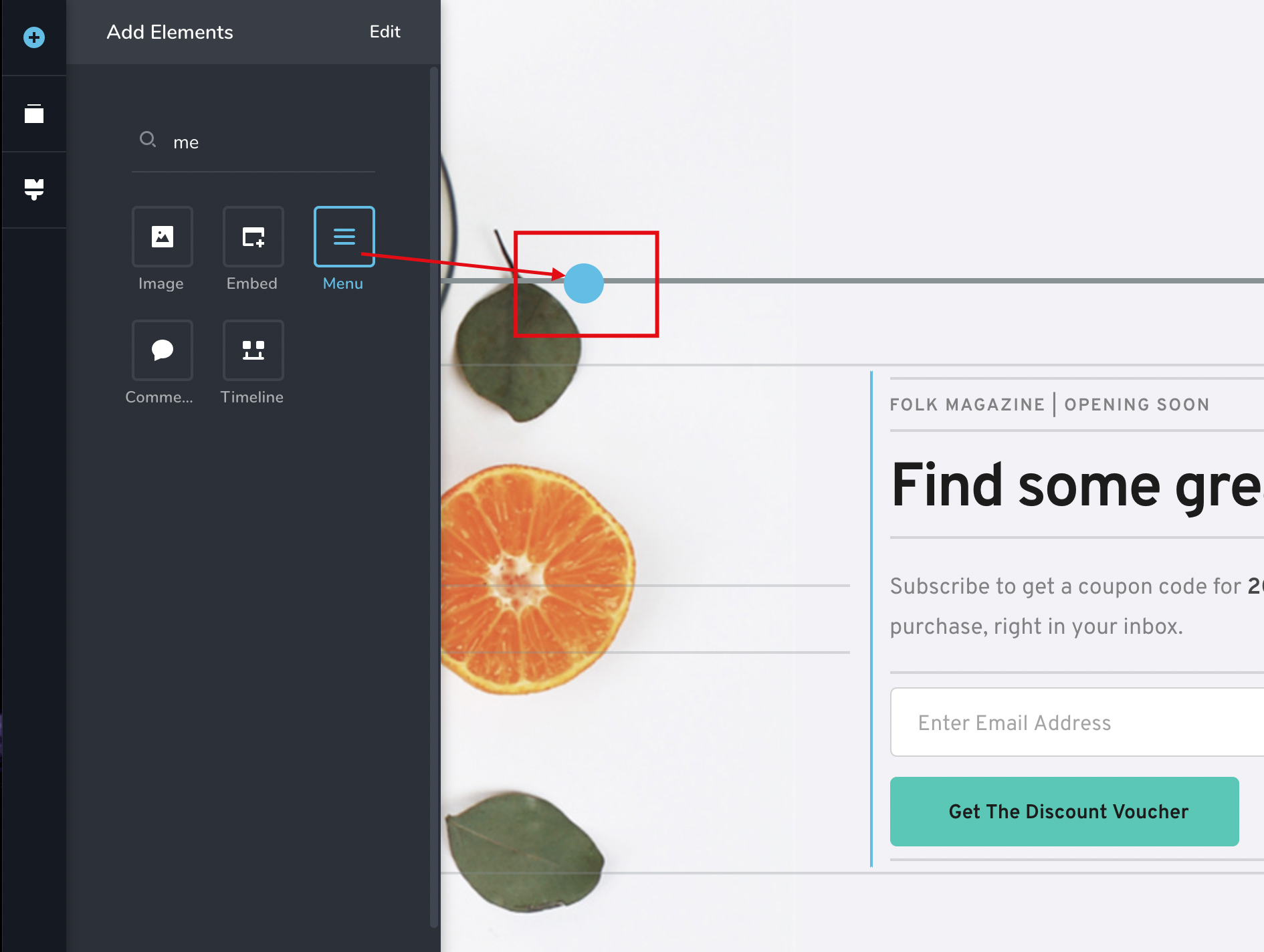
Step 2. Drag the Menu element on the page
Step 3. In the Menu element options, select the menu you want to display.
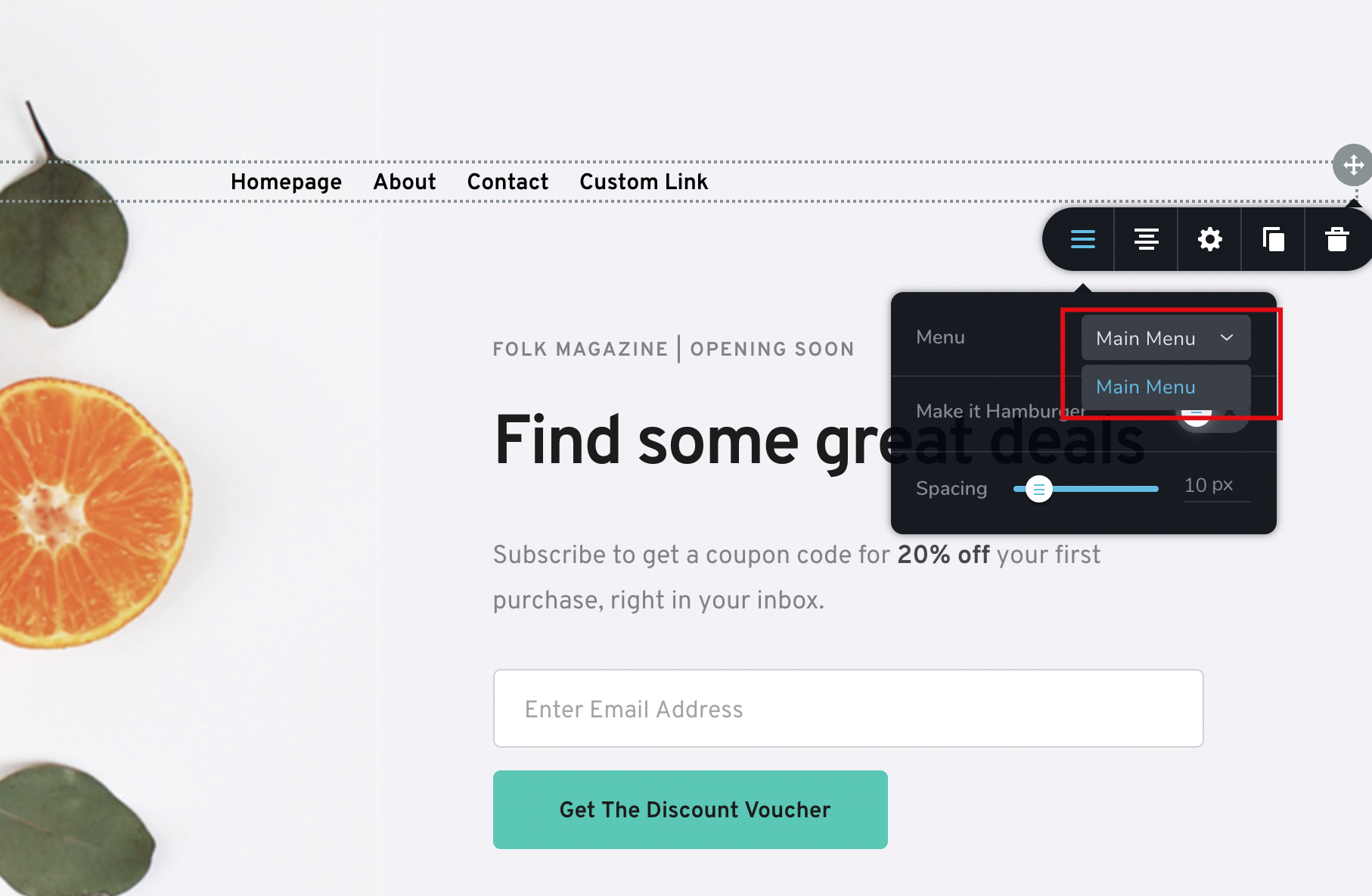
Important: If the name of your menu doesn’t appear in the list, update your page and hit a refresh, then try again.


Leave a Reply