If you want to completely host your website built with the /lite/ site elsewhere as a STATIC website, follow these steps to export the HTML of your project.
1. Click the Publish link on your project
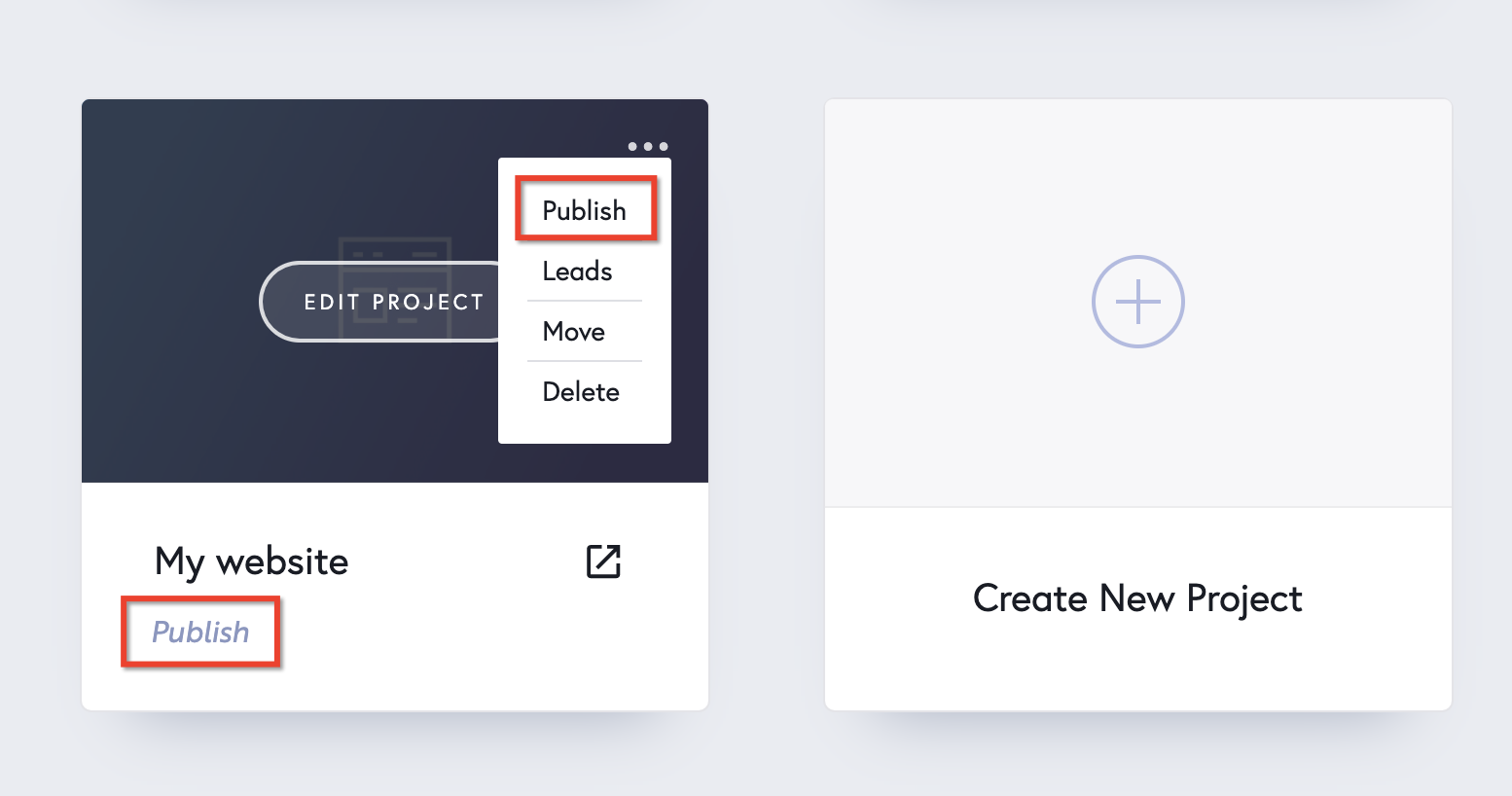
2. Select Export HTML in the popup

3. Unzip the archive you just downloaded

4. Upload the files on your server. It can be anywhere you like, in a folder or the root of your server.


Leave a Reply