The External Popup project will let you create a popup or alert bar to use on external websites. You create and edit the popup in the /lite/ site and embed it on your website no matter how your website was built.
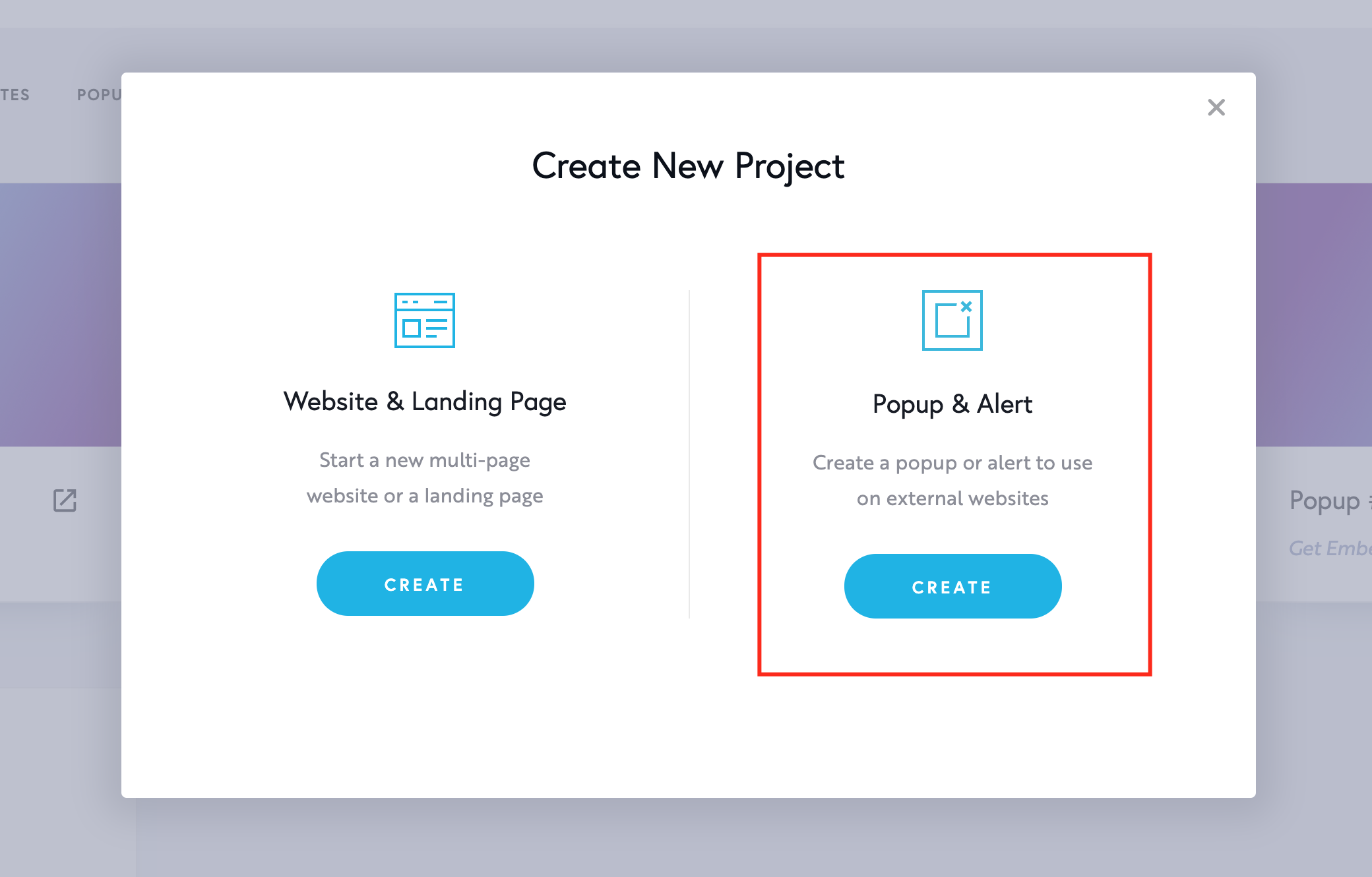
Step 1. Add a new External Popup project
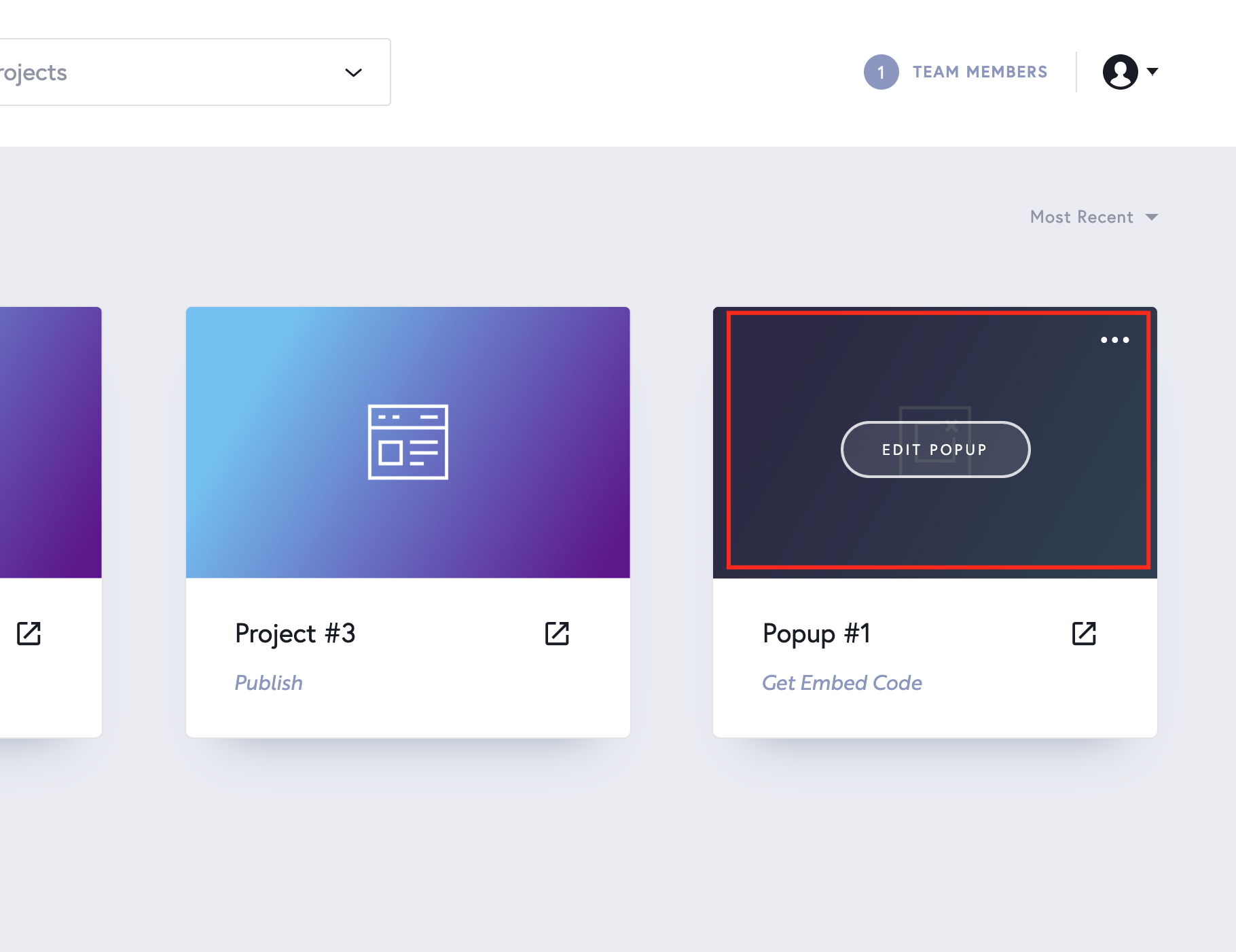
Step 2. Create and edit your popup
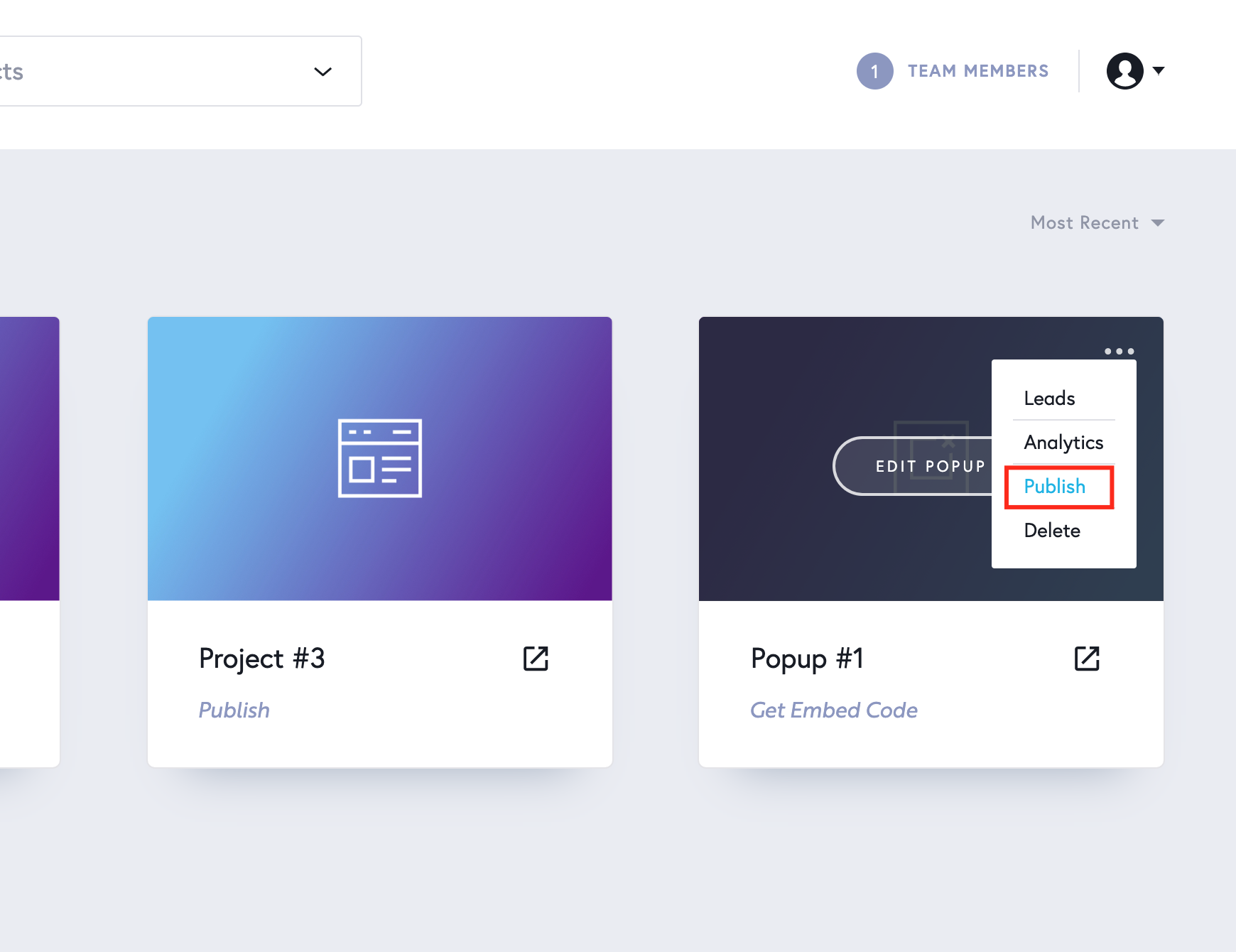
Step 3. Publish your Popup
Step 4. Include the Embed code in your <footer> tag
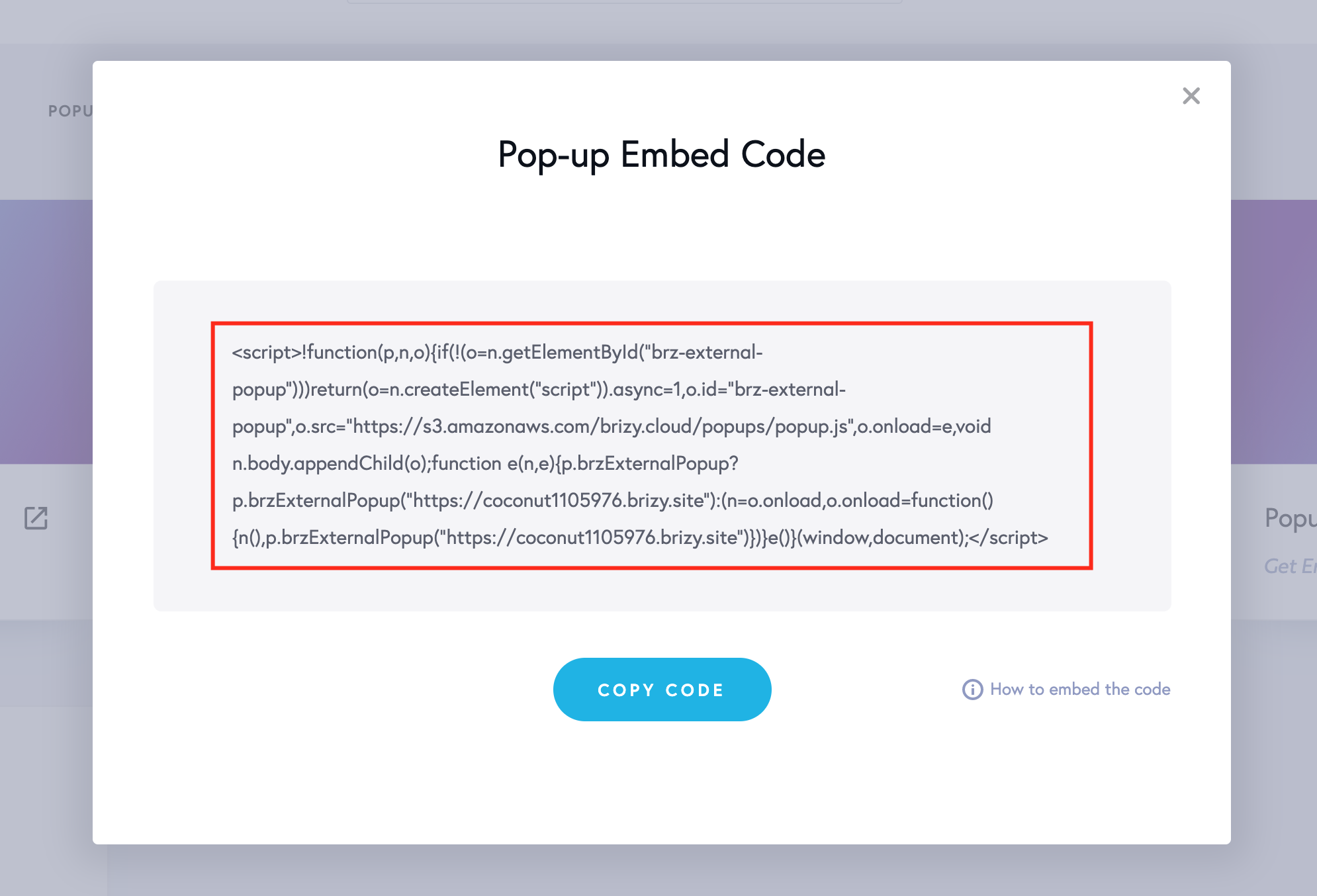
IMPORTANT: you need to have access to your <footer> tag and include the embed code there. Most of the scripts use the <header> tag, but our popup embed code needs to be pasted in the <footer> tag to work.


Leave a Reply